
With our Smart Compliance Automation tool the system can request forms that are about to expire, in addition to sending multiple reminders to staff until the expired forms are submitted.
To add this feature to your site, please contact us hereYou let us know what are your expiration periods (each form can have a different validity period), and we will set it in such way that staff members receive automated requests and reminders prior to those expiration periods being reached.
To ensure your Smart Compliance Automation tool can always send automated requests and reminders:
1. Login as an admin and navigate to your site's Staff Records Checklist
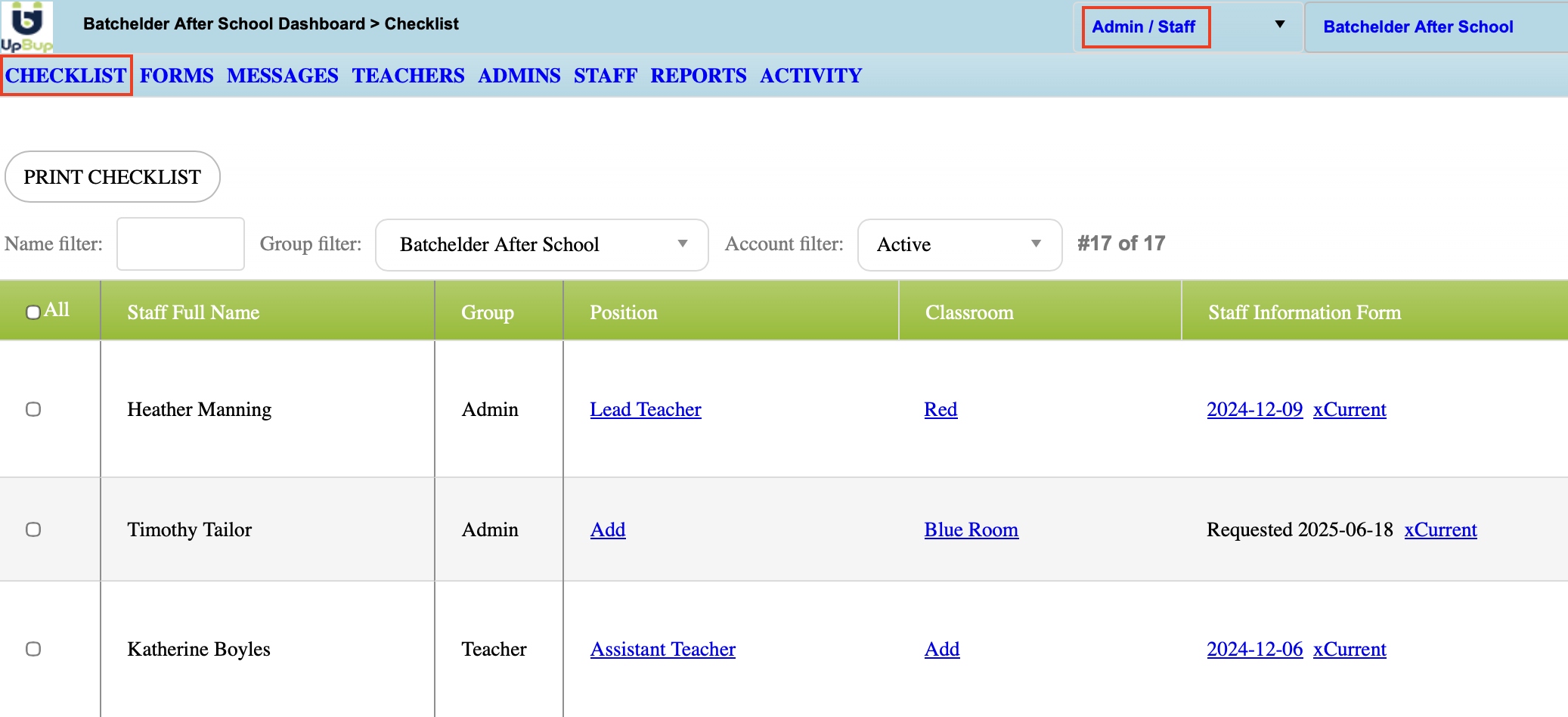
2. When a staff memeber has no history of forms, you will see the following fields within those columns
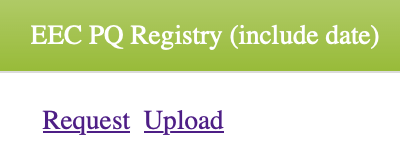
This allows you to either request the staff member to upload a document, or upload it yourself.
3. Once there is a document uploaded you will see the following fields appear
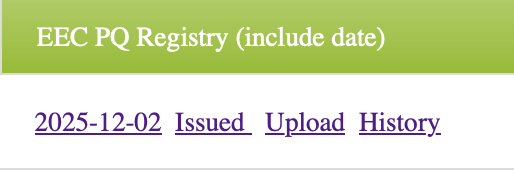
The first date allows you to open the PDF. The "issued" field is where you will add the date that the document was issued, this can be different than the date of upload.
4. Once you have added the issued date, you will see the expiration date auto calculated based on the expiration periods you had determined.
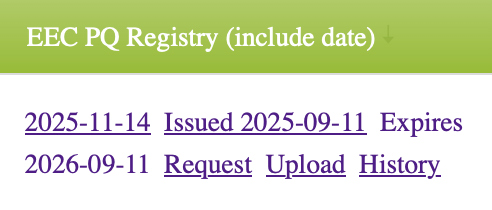
You can always upload a new form, or see the history of uploads for that document.
Remember, the automation requires an "Issued Date" in order to calculate the expiration date, and have a date to base the requests and reminders on.If a staff member is noted on two or more SRC, the date will be automatically updated across all SRC once it is updated in one. How often are reminders sent?
We can customize the frequency and amount of reminders to your preference, our default is 7 reminders total, each one sent every week.RELATED ARTICLES:
Staff Form Request for Admins, Teachers, and Staff