
If you need to delete a document you uploaded to your UpBup account, you can do so from your FORMS DASHBOARD.
1. Log in app.UpBup.com (If you need to reset your password, find instructions here: Login and Password Reset)
2. Navigate to FORMS DASHBOARD

3. Scroll to the document upload location
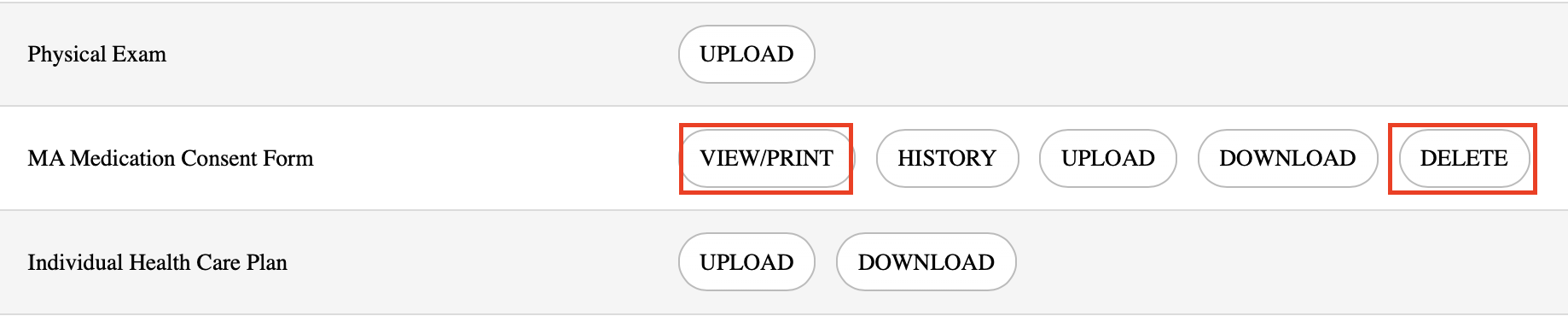
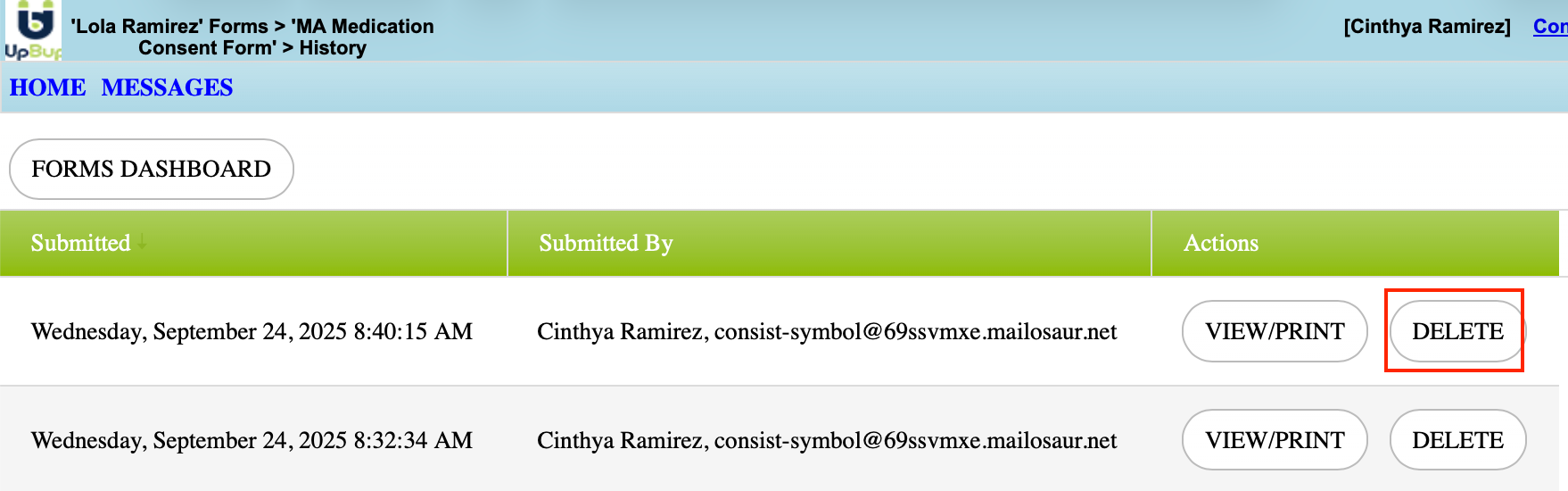
4. Click HISTORY to view all iterations of that document
5 Click DELETE to replace the existing document with the following PDF file
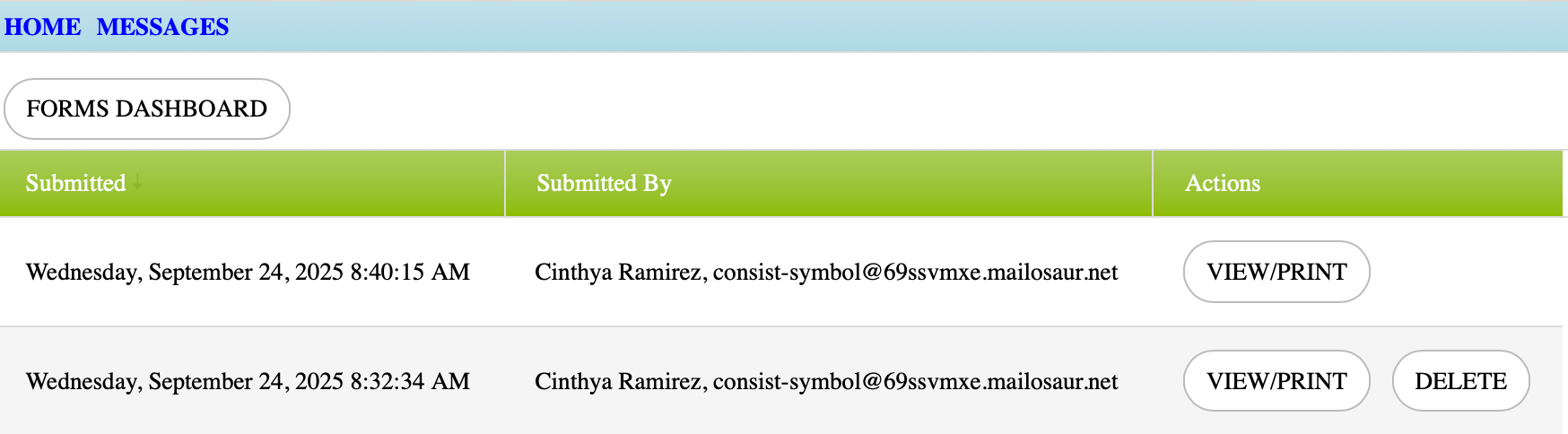
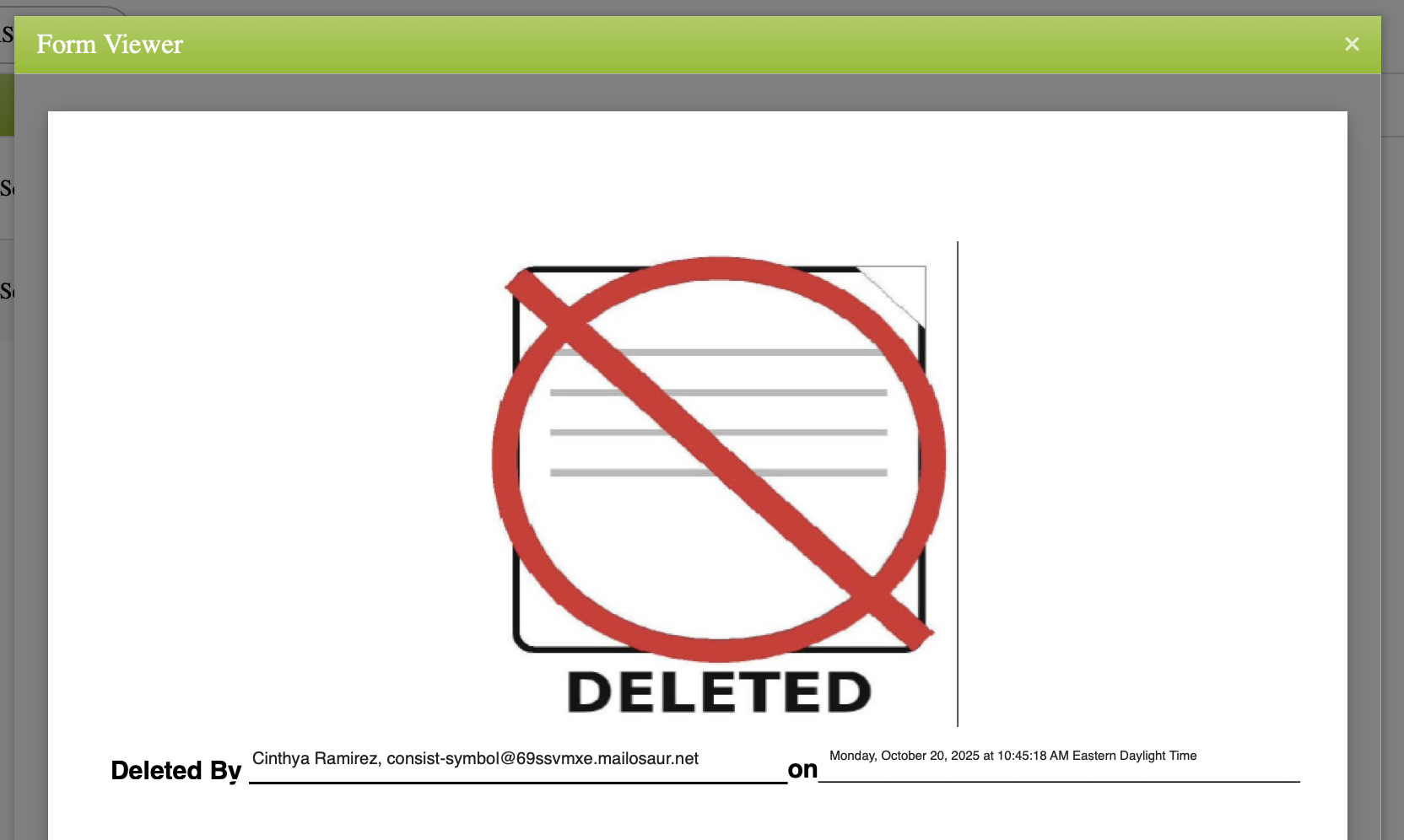
Please note that if you are deleting the most recent version of a document, you should then upload the right version, the center should have the correct version as the newest version.