
If a parent has uploaded a document to a child’s file that now needs to be removed, you can easily do so by following the steps below.
1. Login app.UpBup.com (If you forgot your password you can always reset it by following these instructions: Login and Password Reset)
2. From the Forms Dashboard, locate the child’s name and click the View button next to it.
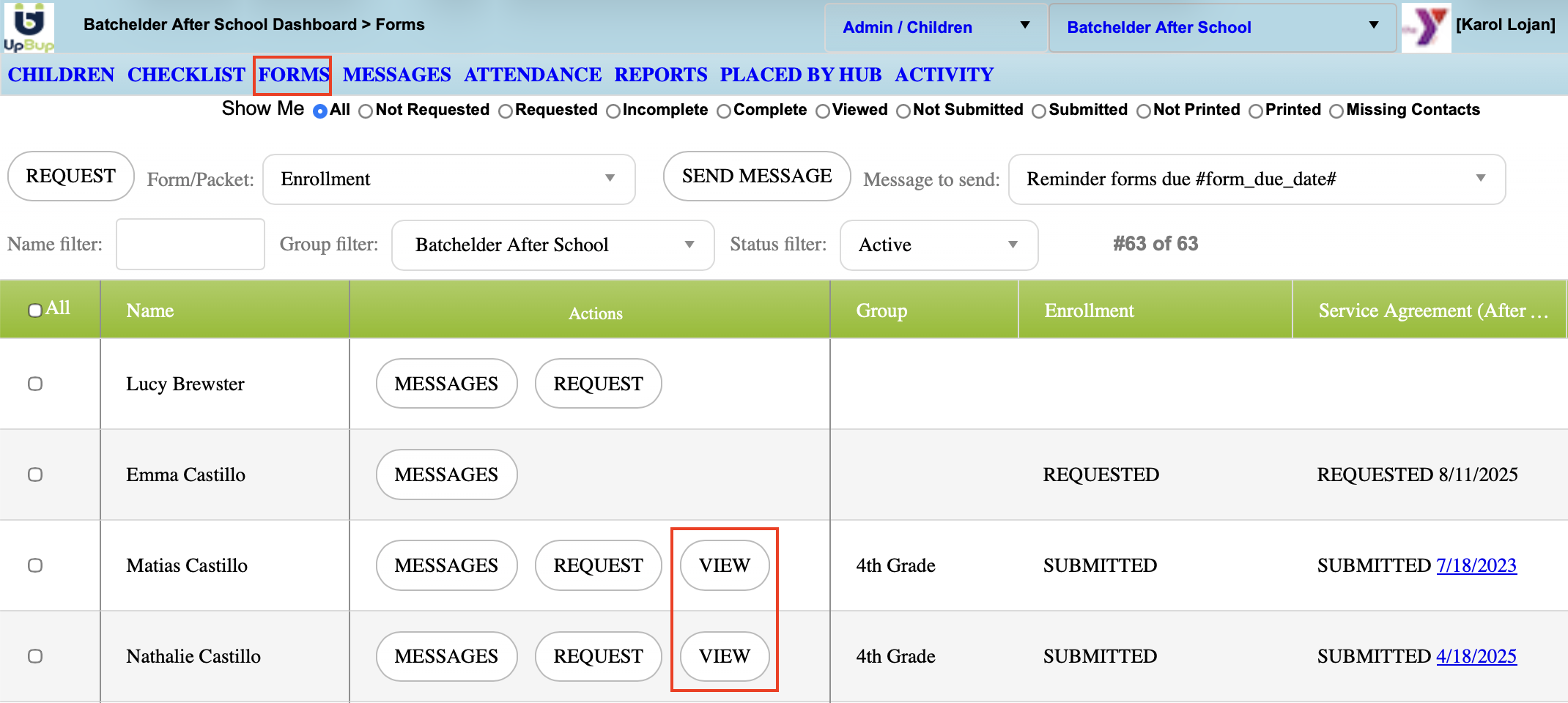
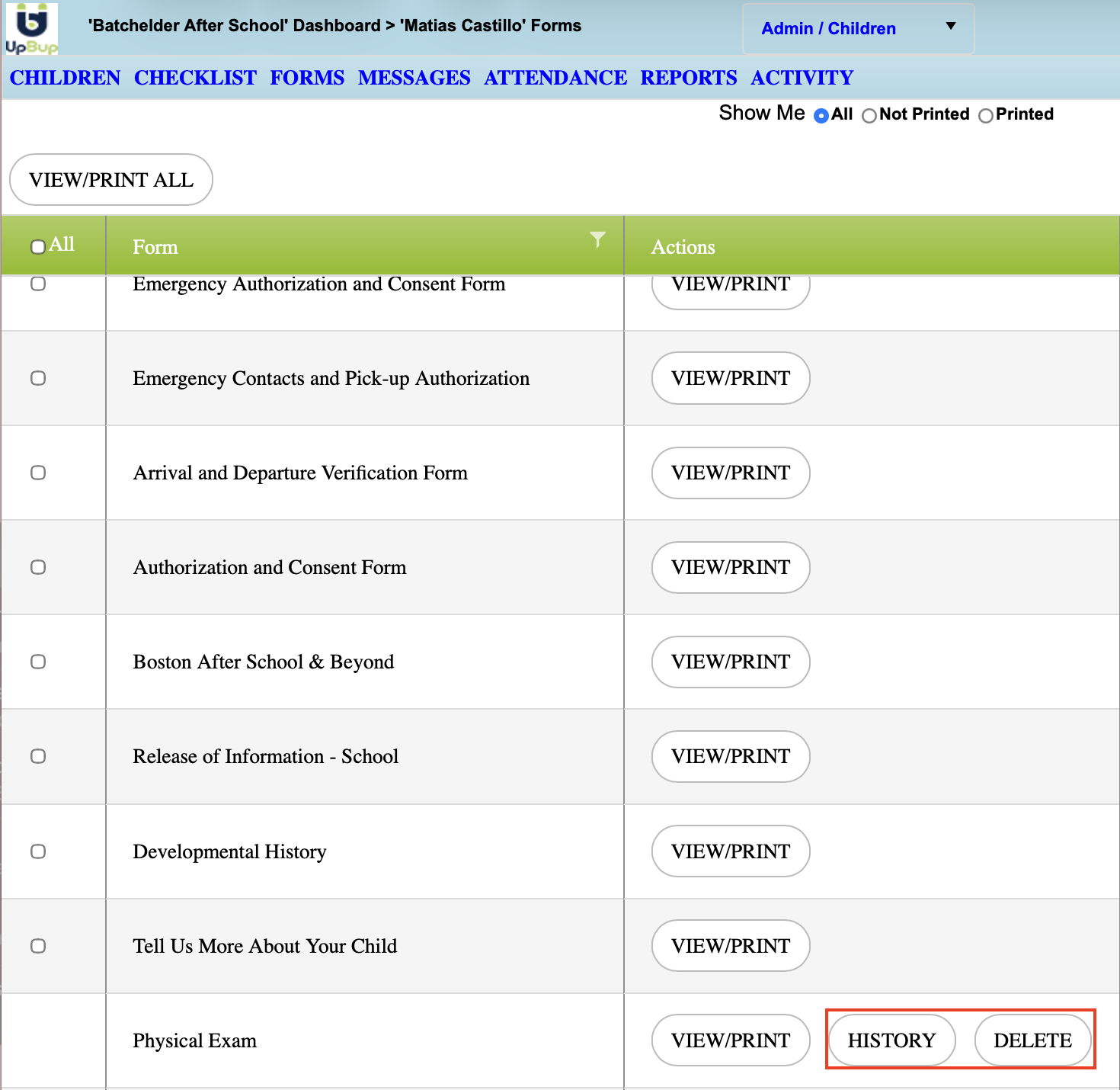
3. The most recent files uploaded can be deleted here
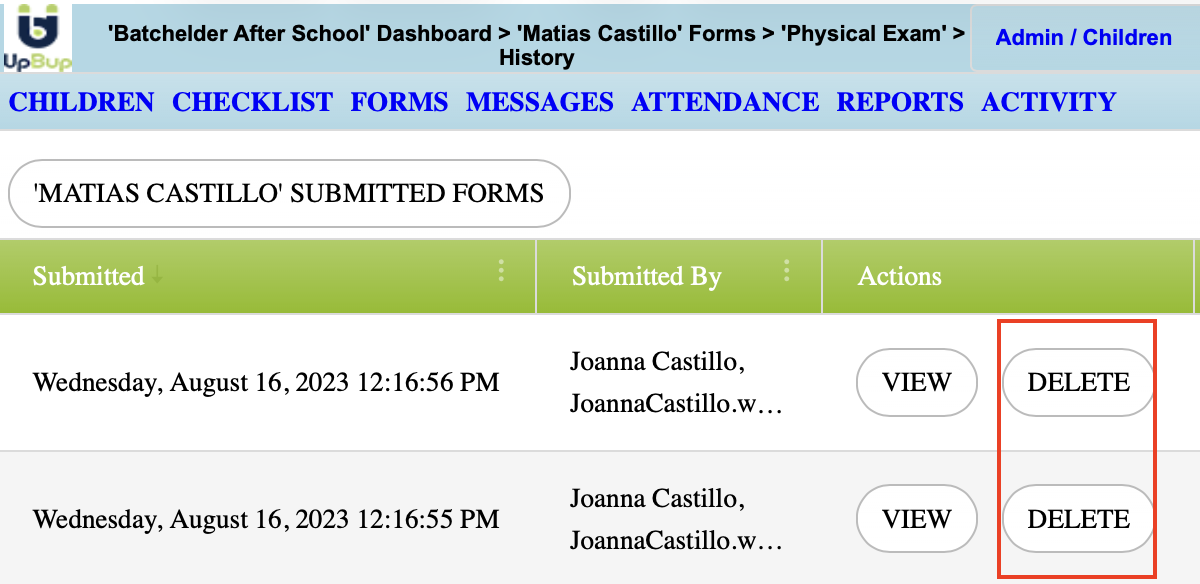
4. To delete older versions of a document, go to HISTORY and delete the version of the document that shouldn't be kept
Please note that when a document is deleted, the PDF is replaced for the following:
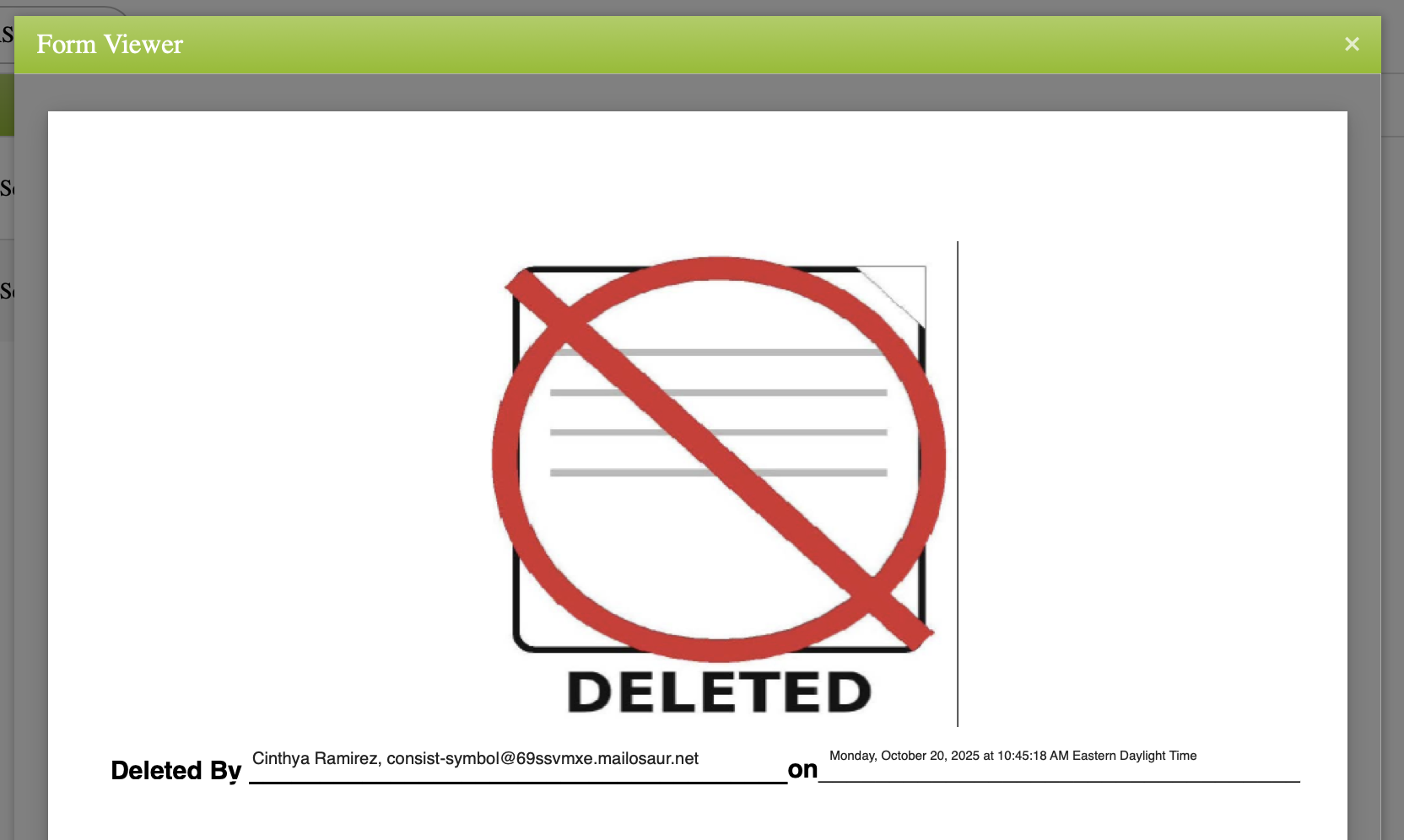 When the most recent version of a document is deleted, a new version should be uploaded, to ensure that the updated version reflects on your dashboard